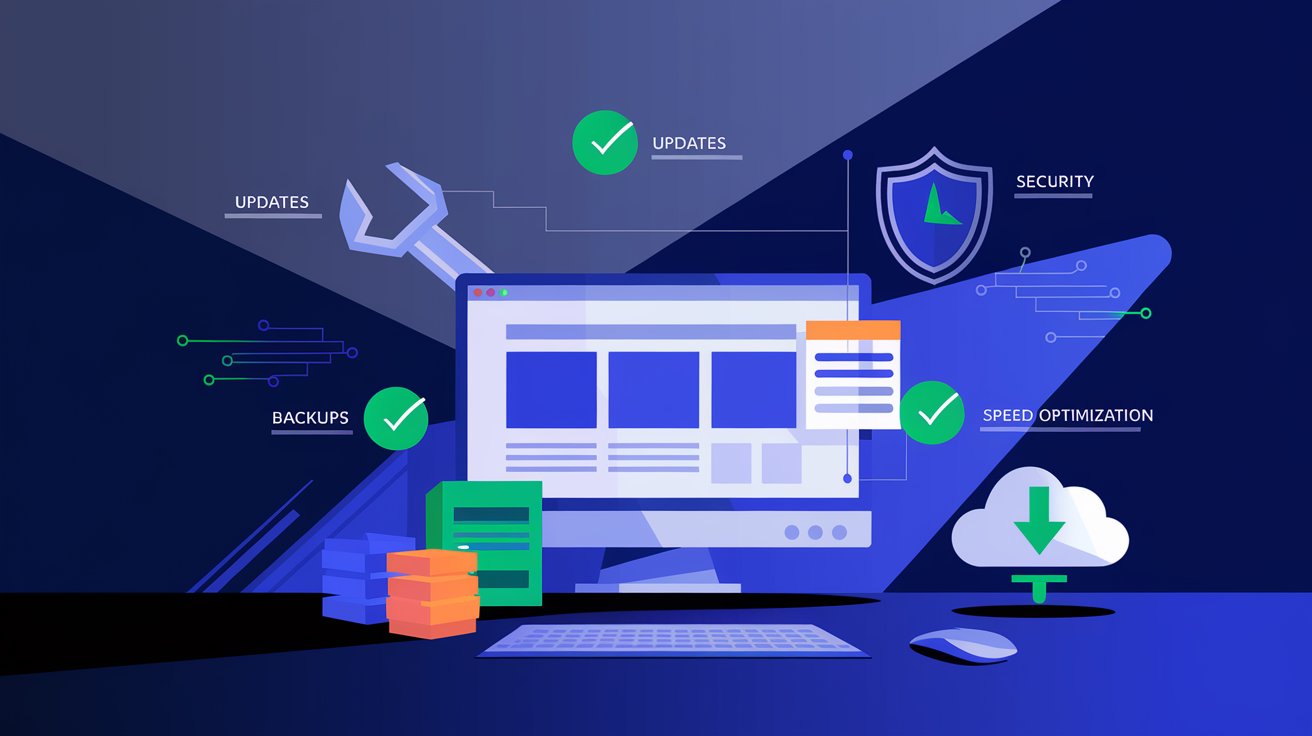
Once your website is built, the work doesn’t stop there – website maintenance is just as critical for its functionality, security, and success. Without regular website maintenance, your online presence can become slow, insecure, or even invisible on search engines. In this blog post, discover what website maintenance entails, why it’s essential, and how you can keep your site in top shape.
What is Website Maintenance?
Website maintenance is the process of regularly monitoring, updating, and optimizing a website to ensure it runs smoothly and meets user needs. This includes a range of activities:
- Software Updates: Refreshing CMS (e.g., WordPress), plugins, and themes for compatibility and security.
- Backups: Creating site backups to protect against technical issues.
- Speed Optimization: Reducing page load times through image compression and code cleanup.
- Security: Implementing safeguards against hacking and malware.
- SEO Monitoring: Updating content and keywords for better Google rankings.
Consistent website maintenance keeps your site functional, fast, and relevant.
Why is Website Maintenance Important?
Without proper website maintenance, even the best-designed site can falter. Here are the key reasons why website maintenance is indispensable:
- Security: Unmaintained sites are prime targets for hackers – 43% of cyberattacks target small businesses. Website maintenance protects your data and client trust.
- Speed: A slow site drives visitors away – Google prioritizes fast pages, impacting SEO.
- User Experience: Regular website maintenance fixes bugs and ensures everything works seamlessly.
- SEO Performance: Updated content and technical health help your site rank high for terms like “website maintenance.”
- Reputation: A broken site can damage your brand’s image.
Neglecting website maintenance can cost you visitors, revenue, and credibility.
How to Perform Effective Website Maintenance?
To ensure your site’s longevity, website maintenance should be a routine practice. Here’s how:
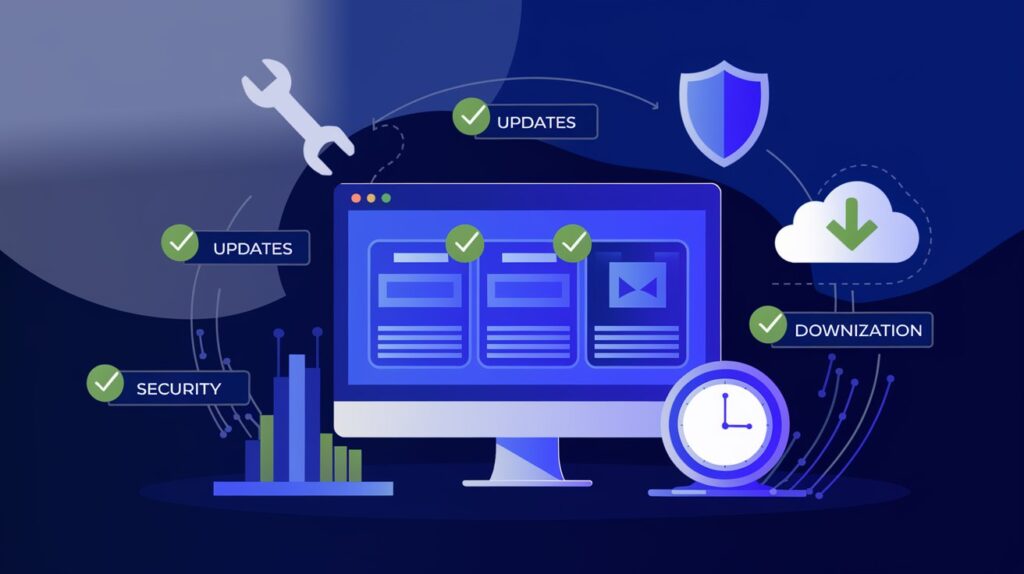
Regular Updates
Update software, plugins, and themes monthly to avoid bugs and security vulnerabilities.
Backups
Schedule weekly or monthly backups – website maintenance without backups is risky.
Speed Checks
Use tools like Google PageSpeed Insights to optimize site performance.
Security Scans
Install SSL certificates and scan for malware during website maintenance.
Content Updates
Add fresh content and ensure all information is current.
With these steps, website maintenance becomes simple and effective.
Conclusion
Website maintenance isn’t a luxury – it’s a necessity for any site aiming to thrive in the competitive online world. From security and speed to SEO performance, regular website maintenance ensures your site runs flawlessly and attracts visitors. Don’t have time for this? Contact us for professional website maintenance and take the worry off your hands!
Follow us on social media: